
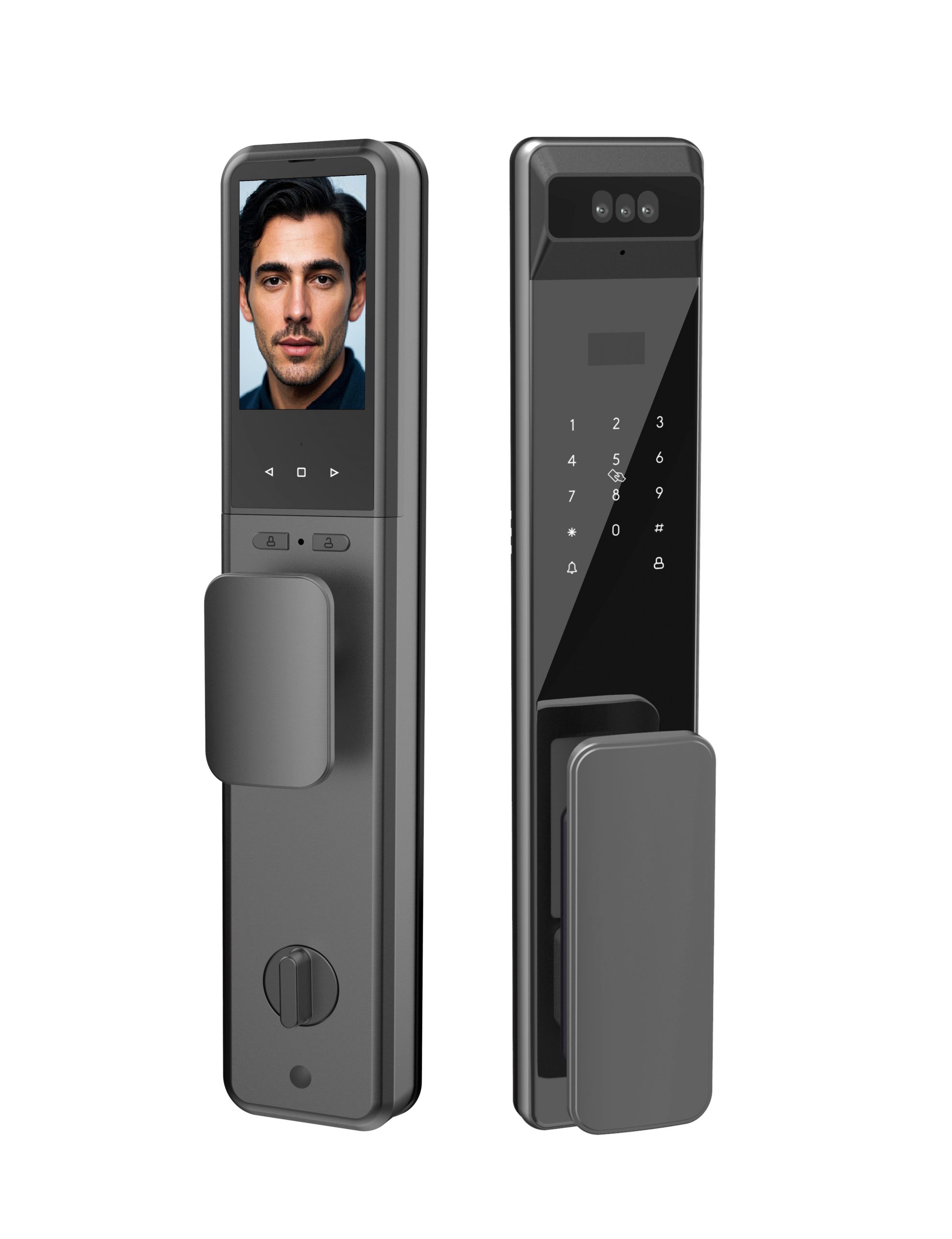
For security distributors, villa integrators, and project acceptance teams, a successful demonstration is not the same as an accepted installation. A face recognition smart lock wholesale order needs a written test plan connecting the supplied hardware and software to the actual entrance, users, and visitor-call workflow.
Use the checklist below to define supplier obligations, witness tests, and document defects before approving a shipment or handing over a property. It is a proposed procurement method—not a report that any Home Shield model has passed testing. Intercom, app access, remote release, and other functions should enter the acceptance scope only when confirmed for the exact supplied configuration.
1. Freeze the Configuration Before Testing
The first acceptance decision is what, exactly, the supplier is delivering. Record the model, hardware revision, firmware version, lock body, accessories, and any required app, gateway, indoor station, or service account.
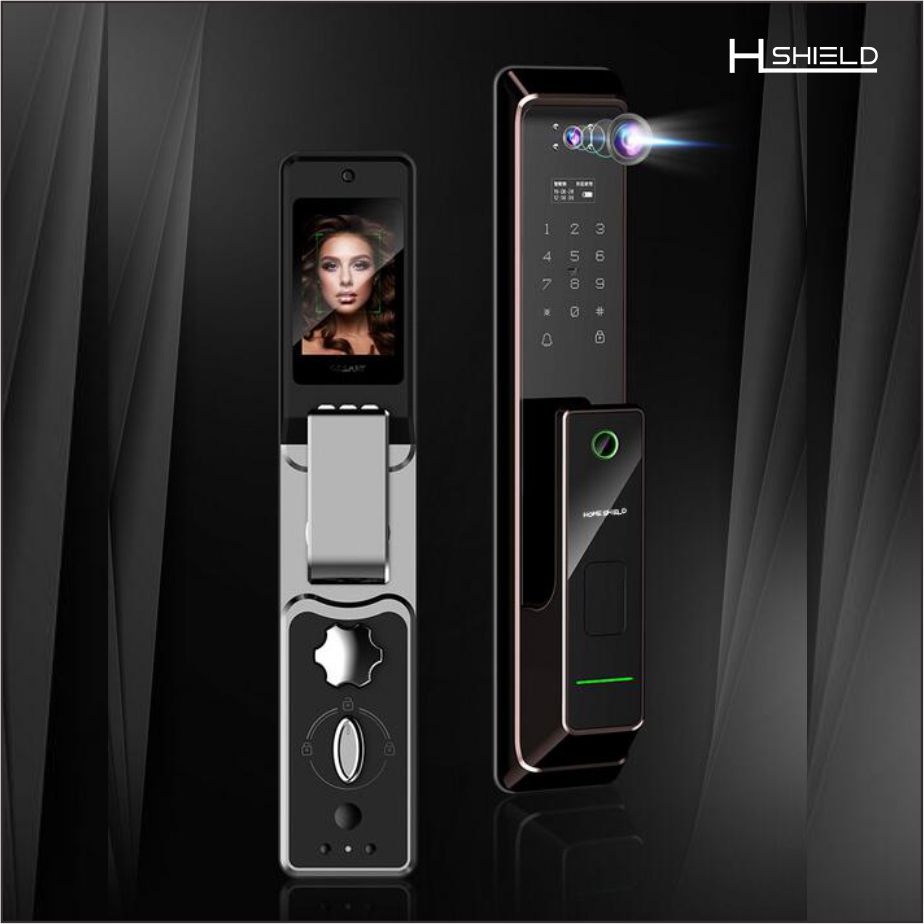
A camera and an indoor display do not, by themselves, establish two-way intercom, visitor-call notifications, or third-party compatibility. Ask the video intercom face recognition lock supplier to describe the complete contracted workflow: who presses what, which device receives the call, who can answer, and how an authorized release reaches the lock.
Supplier Evidence Checklist
- Obtain the exact model datasheet, installation drawings, operating manual, and firmware identification.
- Confirm door material, thickness, handing, preparation dimensions, and lock-body compatibility against the project drawings.
- Identify every required component, account, subscription, and network dependency.
- Obtain a written list of supported functions and explicit exclusions.
- Request a function-by-failure-mode matrix covering network loss, service unavailability, restart, and power loss.
- Request applicable model-specific regulatory or certification records for review by the responsible project professionals.
- Agree who owns installation, network configuration, account setup, defect correction, and final sign-off.
2. Agree Measurable Acceptance Rules
Set pass/fail criteria before the supplier demonstrates the sample. Otherwise, the buyer and supplier may interpret the same delay, missed call, or failed recognition differently.
For each test, specify the starting state, action, expected outcome, measurement method, repetition count, and evidence to retain. Define timing boundaries precisely: for example, visitor-button press to receiving-device alert, rather than an undefined “fast notification.”
| Test area | Agree before execution | Record during execution |
|---|---|---|
| Authorized face access | Users, conditions, attempts, permitted retries, timing limit | First-attempt outcome, retries, elapsed time, actual lock action |
| Unauthorized attempts | Non-enrolled participants, approved procedure, escalation rule | Any release, displayed response, relevant event record |
| Visitor intercom, if contracted | Receiving endpoints, call routing, audio/video requirements | Alert arrival, connection result, audio/video observations |
| Remote release, if contracted | Authorized roles, confirmation steps, timing limit | Request time, physical release, displayed state |
| Failure and recovery | Expected behavior for each isolated failure | Available functions, unavailable functions, recovery sequence |
| Handover | Account ownership, credential removal, reset procedure | Access remaining after removal and unresolved exceptions |
There is no universal acceptance number supplied by the NIST references cited here. Recognition targets, call timing, repetitions, and lot-sampling rules must be agreed for the project. Report the observations and their sample sizes; do not convert a short acceptance trial into a population-level accuracy claim.
3. Inspect the Lock on a Representative Door
Test a sample on the intended door construction, or a documented representative assembly, before committing to the full installation. A loose demonstration unit cannot establish installed fit or reliable bolt engagement.
Compare the installed preparation with the approved drawings. Check mounting security, cable routing, handle movement, strike alignment, and physical bolt engagement. Observe whether the door must be pushed, pulled, or lifted to complete a locking cycle.
Repeat checks after normal opening and closing, and compare any displayed locked state with the actual door condition. Record unusual motor noise, incomplete travel, binding, or inconsistent operation for correction.
Have the responsible project professionals review emergency egress, accessibility, fire-door suitability, and applicable local requirements. A functional test does not establish regulatory compliance, and a certificate for a different model or assembly is not sufficient evidence for the installed configuration.
4. Test Face Recognition Under Entrance Conditions
Build the trial around the entrance where the lock will operate, not only the supplier’s preferred demonstration position. NIST identifies illumination, head pose, eyeglasses, and other image-quality properties as relevant to recognition performance. Its face-image quality research supports including these variables; it does not establish performance limits for the proposed lock.
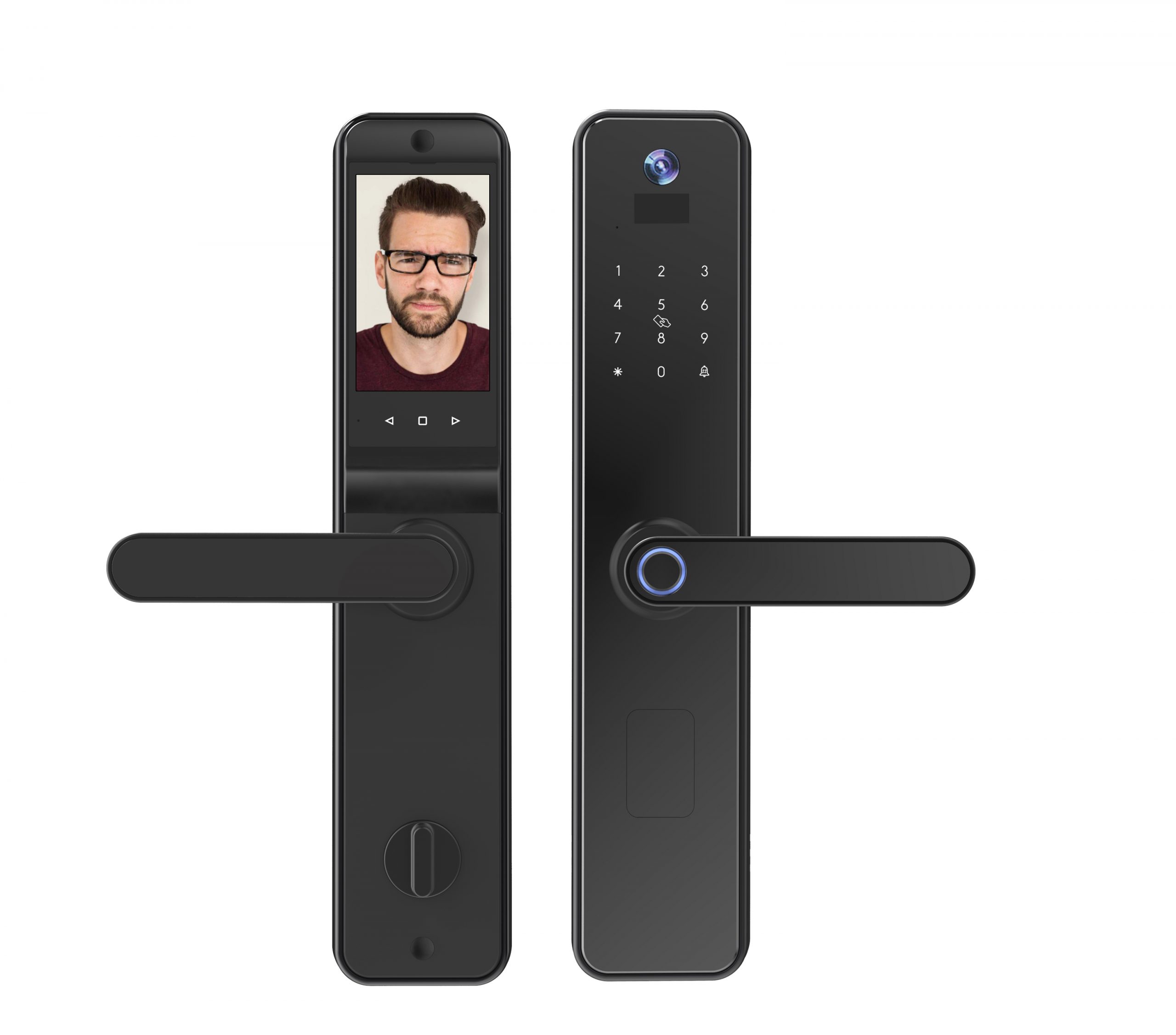
Use consenting participants and an agreed procedure. Record enrollment conditions separately from verification conditions so that a failed attempt can be investigated rather than dismissed.
Face Recognition Trial Checklist
- Enroll authorized participants using the supplied instructions and record enrollment failures or repeated attempts.
- Test representative user heights and approach positions within the supplier-declared operating range.
- Include the entrance’s expected daylight, backlighting, evening lighting, and other relevant conditions within the declared operating envelope.
- Include ordinary eyewear and appearance variations relevant to the intended users, recording any declared restrictions.
- Record first-attempt success, retries, no-response events, and time to actual release separately.
- Test non-enrolled participants under the approved procedure and record any unauthorized release as a defect requiring investigation.
- Remove a test user and verify that the removed face credential no longer grants access.
Do not report “100% accurate” because every enrolled participant succeeded in a small trial. State who was tested, under which conditions, and how many attempts were observed. Likewise, no unauthorized release during a limited check does not establish a false-acceptance rate.
Evaluate Presentation Attacks Separately
Ask for model-specific evidence explaining the sensing method, presentation-attack detection approach, test scope, and limitations. Do not treat a “3D” or “AI” label as proof of resistance to spoofing.
With written authorization and consenting participants, include agreed print and screen-replay screening on a controlled sample. Record the presentation method, conditions, response, and whether physical release occurred. Keep these checks separate from legitimate-user recognition results.
NISTIR 8491 evaluates passive software presentation-attack detection using conventional 2D imagery. Its scope excludes 3D, near-infrared, and active challenge-response approaches. It therefore provides context for evidence requests, not proof that the supplied lock is resistant to attacks. A short demonstration also cannot establish that a lock is spoof-proof.
5. Verify the Visitor Intercom Workflow End to End
Where visitor intercom is contracted, test from the visitor’s position through to the authorized recipient and back to the physical door. Seeing a camera image is only one part of that workflow.
Use the actual receiving devices, account roles, and network arrangement intended for handover. If mobile notifications are included, identify the supported phone platforms and settings in the test record rather than assuming every phone behaves identically.
Visitor Call and Release Checklist
- Initiate a visitor call and verify that it reaches the correct contracted endpoint.
- Where an app is specified, repeat calls with it open, in the background, and with the phone locked, using the documented supported settings.
- Check that the recipient can identify the visitor under representative entrance lighting.
- Test intelligibility in both directions if two-way audio is contracted, including relevant entrance background noise.
- Check answered, unanswered, declined, and repeated calls against the agreed routing and timeout behavior.
- If remote release is included, verify that an authorized action operates the correct physical lock.
- Check that receiving or answering a call alone does not trigger release unless that behavior is expressly required and approved.
- Remove an authorized recipient and verify that the former account can no longer perform the functions assigned to that role.
Record alert arrival, call connection, audio/video observations, and release timing separately. This makes it easier to distinguish a notification problem from an intercom or lock-actuation defect.
6. Test Network and Power Failures Separately
Do not combine all outages into a single “offline test.” Obtain the supplier’s declared behavior first, then isolate each failure on a controlled installation with an approved recovery and access plan.
| Failure condition | Acceptance question |
|---|---|
| Internet unavailable, local network operating | Which contracted local and remote functions remain available? |
| Local network unavailable | Which access methods remain available, and how is the loss indicated? |
| Gateway or indoor station unavailable, if used | Which workflows depend on that component? |
| External service unavailable | What behavior and recovery procedure does the supplier document? |
| Low battery or low-power state | What warnings appear, and which functions change? |
| Power removed and restored | What happens to the lock state, settings, credentials, and startup sequence? |
Use supplier-approved procedures, especially for low-power testing. Do not perform destructive battery tests or create an unsafe occupied-door condition.
After each failure, restore the system and repeat the affected normal functions. Confirm that recovery does not require undocumented intervention and that credentials or settings have not changed unexpectedly. Record observed behavior without assuming that face recognition, intercom, or remote access must work offline.
7. Check Administration, Data Handling, and Handover
Use NISTIR 8259A as a framework for supplier questions. It identifies device identification, configuration, data protection, interface access control, software update, and cybersecurity-state awareness as core IoT capability areas. It is guidance, not a product certification or a universal mandatory checklist.
Verify documented role permissions using separate installer, administrator, and ordinary-user accounts where those roles exist. Check that a removed user loses the relevant local and remote access. Request the supported update procedure, support contact, and process for communicating security issues.
For biometric templates, visitor images, recordings, and event logs, request a written description of storage locations, access permissions, retention periods, deletion procedures, and service dependencies. Do not assume the data stays inside the lock or that resetting the device deletes backend copies.
At handover, transfer administrative ownership through the documented procedure, remove temporary installer access, and repeat essential access and visitor-call tests under the owner’s accounts. Observable removal checks are useful, but they do not independently prove deletion from backups or external services.

8. Close Defects Before Releasing the Order
Separate pre-shipment sample acceptance, delivered-lot inspection, and installed-site acceptance. An approved sample does not establish that every delivered unit has the same configuration or installation quality.
Agree which checks apply to every unit and which use a documented sampling plan. Retain the approved configuration record so that hardware substitutions, firmware changes, or accessory differences trigger review rather than passing unnoticed.
Acceptance Record Checklist
- Test ID, date, location, tester, and witness.
- Device serial number, model, hardware revision, firmware, and software versions.
- Door assembly, network arrangement, power condition, and relevant environmental conditions.
- Agreed criterion, procedure, repetitions, expected result, and actual result.
- Supporting measurements, event records, or consented recordings where appropriate.
- Defect severity, responsible party, corrective action, and retest result.
- Final acceptance status, approved exceptions, and authorized sign-off.
Before placing a Home Shield wholesale order, send the proposed configuration and acceptance matrix for written confirmation. Request evidence for each required function and resolve exclusions before commercial approval. The goal is not a feature-rich demonstration; it is a repeatable, documented result on the configuration the project will receive.
FAQ
Does a camera and indoor screen mean a lock supports video intercom?
No. Confirm visitor-call initiation, receiving endpoints, audio direction, and any release workflow in the exact model documentation, then test the contracted functions end to end.
What recognition accuracy should a wholesale buyer require?
Agree a project target with defined users, conditions, attempts, and retry rules. Keep observed acceptance results separate from supplier laboratory claims. A small site trial cannot establish a population-level accuracy or false-acceptance rate.
Should face recognition and intercom work without internet?
Do not assume either outcome. Request a function-by-failure-mode matrix, then test internet loss, local-network loss, and component outages separately against the agreed behavior.
Does passing a photo or replay check prove the lock is spoof-proof?
No. It documents only the observed result for that presentation and configuration. Request model-specific presentation-attack evidence and record its scope and limitations.
Can an approved sample replace installation acceptance?
No. Sample approval addresses the tested configuration and conditions. Delivered-unit checks and installed-site tests must still address configuration consistency, door fit, network operation, account ownership, and unresolved defects.